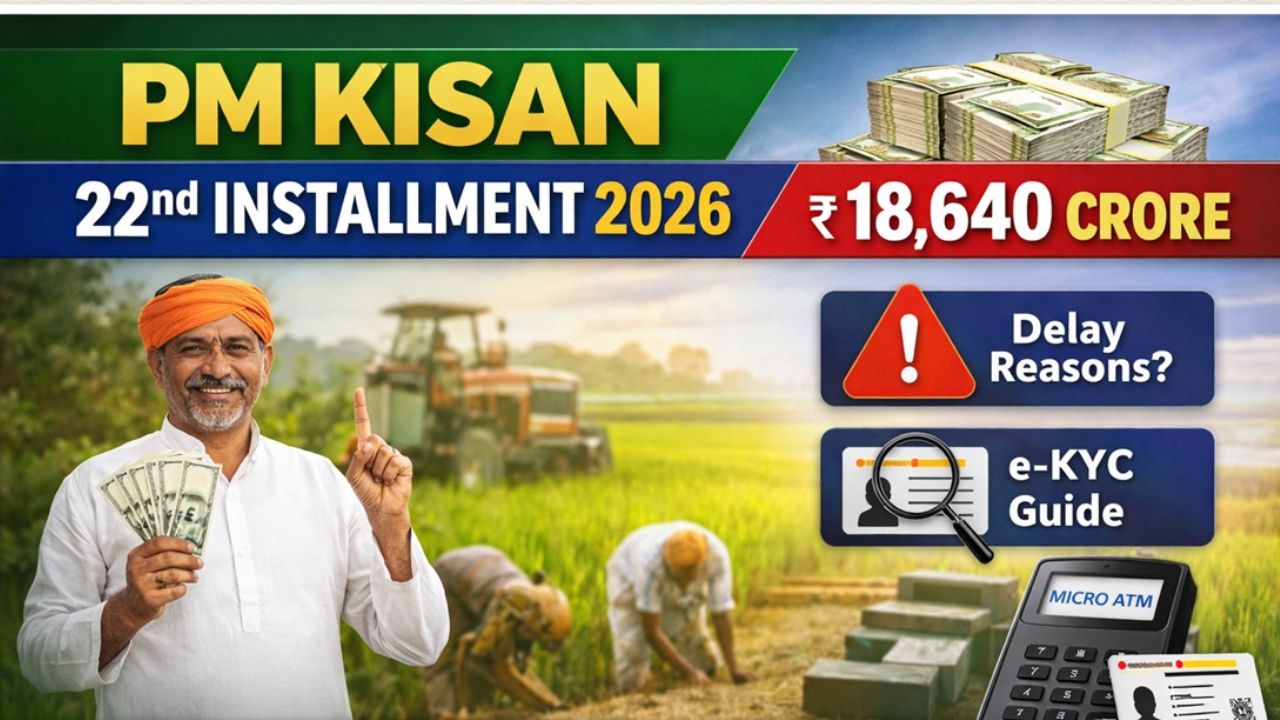
PM Kisan eKYC Failed? 5 Reasons Your ₹6,000 Payment Stuck — Fix It Today
Live Updated: April 2, 2026 • 9:08 PM IST
If you are one of the millions of farmers waiting for your PM Kisan Samman Nidhi installment, a “Payment Stopped” or “Failed” status can be a major setback. While the government has already released the recent 22nd installment, a large number of accounts are showing pending status due to small technical errors.
If your money hasn’t arrived, you aren’t alone. Most of these issues can be fixed in under 5 minutes from your smartphone. Failing to fix these today could mean losing out on the full ₹6,000 annual benefit.
Why is your PM Kisan Payment Stuck?
The PM Kisan 19th installment and subsequent payments are now strictly linked to Aadhaar-based Direct Benefit Transfer (DBT). If there is even a 1% mismatch in your data, the system automatically withholds the funds.
Here are the 5 most common reasons your payment is stuck and how to resolve them immediately:
1. Mandatory eKYC Incomplete
This remains the #1 reason for payment failure. The government has made it mandatory for every beneficiary to complete eKYC via face authentication or OTP. If you haven’t done this, your status will permanently show “Pending.” You can complete this by visiting the official PM Kisan portal and clicking on the ‘eKYC’ tab.
2. Aadhaar Not Seeded with Bank Account
Simply having an Aadhaar card is not enough. Your bank account must be “Aadhaar Seeded” for DBT. Many farmers find that while their Aadhaar is linked, the DBT mapping is inactive. Visit your bank branch and ask for the “DBT Consent Form” to fix this.
3. Land Record Verification (Bhulekh) Missing
A new layer of security in 2026 requires your land records to be digitally verified by your local Patwari or Tehsildar. If the “Land Seeding” status in your beneficiary profile shows “No,” your payment will stay stuck regardless of your eKYC status.
4. Name Mismatch (Aadhaar vs. Bank)
Does your name on the Aadhaar card exactly match the name in your Bank Passbook? Even a small spelling mistake or an extra initial can trigger a “PFMS Rejection.” You can check the exact reason for rejection on the “Know Your Status” page of the portal.
5. NPCI Mapping Issues
Sometimes, the money is sent but returns to the government because the National Payments Corporation of India (NPCI) server does not recognize your linked account. This often happens if you have multiple bank accounts. The money is usually sent to the latest account you linked with Aadhaar.
How to Check Your Beneficiary Status Instantly
To know exactly why your money is stuck, follow these steps:
- Go to the PM Kisan Status Page.
- Enter your Registration Number or Mobile Number.
- Check the Eligibility Status section.
- Look for the “FTO Processed” row. If it says “No,” the reason will be listed right next to it.
While you are verifying your government benefits, keep an eye on other major shifts this month. Many farmers also track gold price updates to plan their savings after the harvest season.
How to Fix “Payment Failed” Today
If your status shows a failure, take these three steps immediately:
- Update eKYC: Use the PM Kisan mobile app’s face-scan feature.
- Check Bank Linkage: Ensure your Aadhaar is linked to only one active bank account.
- Visit the Agriculture Office: If land seeding is “No,” take your latest land records (Fard/Khatauni) to the block office for manual verification.
Many farmers are also looking for alternative income or jobs for family members. You should look into the latest India Post GDS recruitment if you are seeking stable government-linked work.
Summary: Action Checklist
| Issue | Immediate Solution |
| eKYC Pending | Use OTP or Face Auth on PM Kisan App |
| Land Seeding No | Contact Local Patwari/Agriculture Officer |
| DBT Not Active | Visit Bank for NPCI Mapping |
| Aadhaar Mismatch | Correct name via “Aadhaar Correction” on portal |
If your documents are in order but your payment is still stuck, you might also be eligible for other rural benefits. For instance, check the latest PM Awas Yojana list to see if you have been approved for housing assistance.
Final Tip: Always keep your mobile number updated in the PDS system as well. Recently, the Ration Card new rules have made mobile linking mandatory for all household heads.
Complete your eKYC today to ensure your next ₹2,000 installment is credited without any further delays.
Disclaimer: This information is for educational purposes. Always verify updates on the official government PM Kisan portal.