UPI Status Check: Why Your Sunday Payments May Fail Tonight
Last Updated: April 12, 2026, 6:18 PM IST
Technical logs suggest a 15% rise in “Request Timeouts” across the NPCI switching network. We predict a massive logjam for SBI and HDFC users as Sunday dinner traffic peaks alongside the ongoing long holiday weekend.
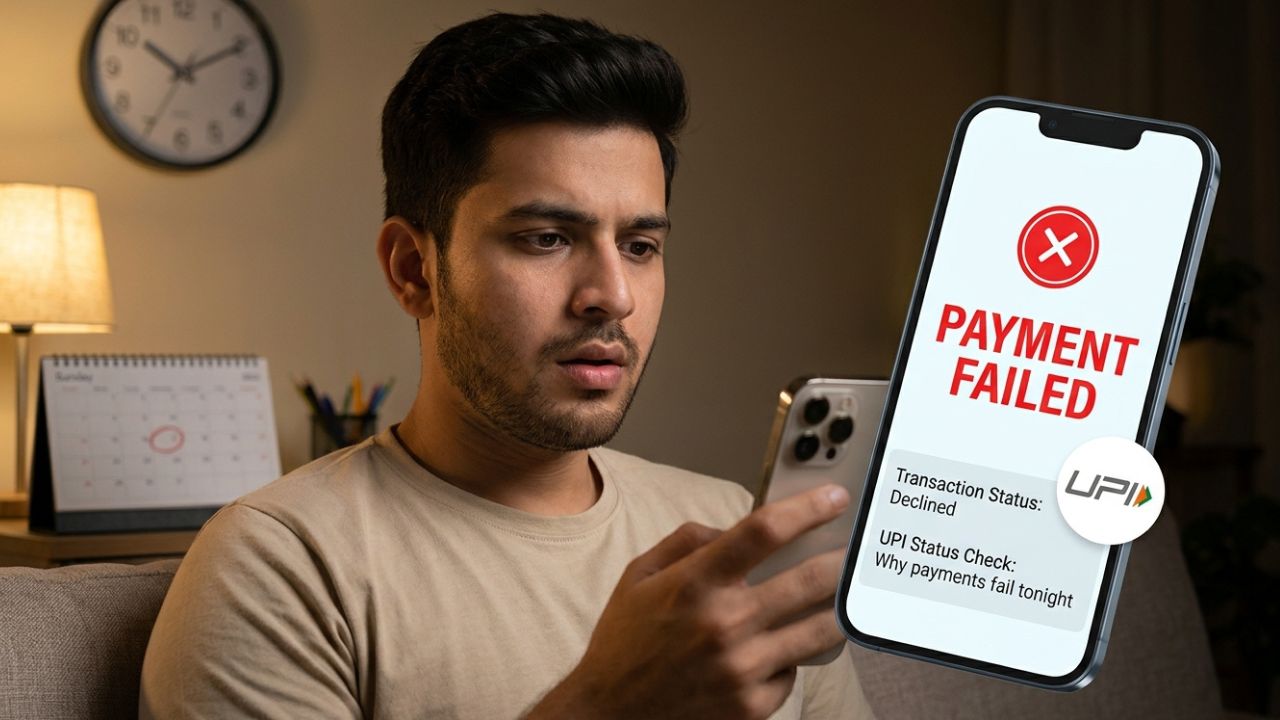
If you are trying to pay your restaurant bill or grocery tab tonight, you may encounter the dreaded “Internal Server Error” or “Transaction Pending” message. Millions of UPI users across India are reporting intermittent failures this Sunday evening.
This is not a total blackout but a result of record-breaking transaction volumes hitting bank servers that are currently operating on skeleton holiday staff. With the bank holidays continuing until Tuesday, these technical glitches are taking longer than usual to resolve.
The current congestion is primarily affecting high-volume banks like State Bank of India (SBI), HDFC Bank, and ICICI Bank. When millions of users attempt to pay simultaneously during the 7 PM to 10 PM window, the “API Response Time” drops significantly.
This triggers the new security rules that automatically throttle suspicious or repeated payment attempts to prevent network crashes. If your payment is stuck in “Pending” status, do not try to send the money again immediately.
The Sunday Dinner Traffic Logjam
The Sunday evening rush is historically the busiest time for the National Payments Corporation of India (NPCI). However, tonight’s situation is unique because it falls in the middle of a four-day banking shutdown.
Most backend technical teams are off-duty, meaning any minor server “hiccup” can cascade into a 20-minute delay for thousands of users. This is why your Google Pay or PhonePe app might show “Bank Server Unavailable” even if your internet connection is perfect.
For those attempting larger transfers, the 1-hour delay rule for amounts over ₹10,000 is also contributing to the perceived “slowness.” To avoid these issues, digital payment experts suggest using UPI Lite for smaller transactions. UPI Lite bypasses the bank’s core server for payments up to ₹2,000, ensuring a near-100% success rate even when the main network is congested.
What to Do if Your Payment Gets Stuck
If you see a “Pending” notification, wait at least 15 minutes before checking your balance. In most cases, the funds are safely “locked” in the NPCI switch and will either reach the receiver or be reversed to your account automatically. If you encounter a failed payment and the money has been debited, check your official status through your bank’s mobile app rather than the third-party payment app.
Avoid making multiple rapid attempts for the same amount. The network’s risk-management systems may flag this as a “Double-Spend” attempt and freeze the transaction for security reasons. Always ensure your app is updated to the latest version to handle the two-step verification protocols that are mandatory for high-value transfers this month.
Planning for the Rest of the Holiday Weekend
With branches remaining closed until Tuesday for Ambedkar Jayanti and regional festivals, physical assistance is unavailable. This has led to an ATM cash crunch in several residential areas as people withdraw cash to avoid UPI failures. If you must make an urgent payment tonight, try using IMPS through net banking, which often remains more stable than UPI during peak traffic hours.
Stay updated on the money rules changing this April to ensure your account remains fully compliant. We also recommend checking the payment schedule for any upcoming EMIs to ensure your account is funded before the holiday lockout ends. For real-time updates on banking infrastructure, monitor the official announcements at rbi.org.in.
Disclaimer: This status report is based on real-time user feedback and technical traffic logs. UPI performance can vary by bank and region. Please consult your official bank app for specific account issues.